The Secondary School Certificate (SSC) “Board Challenge” or re-scrutiny process is for students who are unsatisfied with their SSC exam results. This process allows them to have their answer scripts re-evaluated. If you’ve applied for the board challenge, here is a guide on how to check your result.
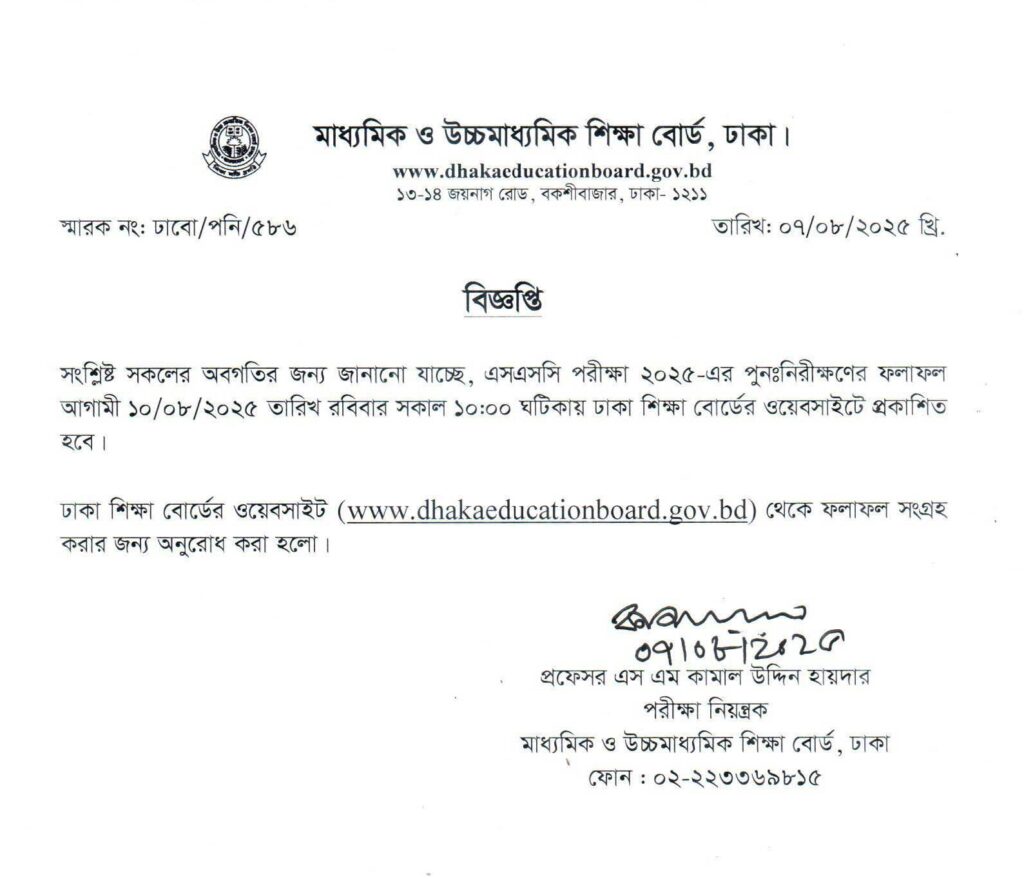
Understanding the SSC Board Challenge Result
The board challenge result is typically published as a PDF file on the official website of the respective education board. It’s important to note that the result PDF usually only lists the students whose grades or GPA have changed after the re-evaluation. If your name and roll number do not appear on the list, it means your original result remains unchanged.
How to Check Your SSC Board Challenge Result Online
Follow these simple steps to check your result:
- Visit Your Board’s Official Website: Each education board in Bangladesh (e.g., Dhaka, Chittagong, Rajshahi, Comilla, etc.) publishes the results on its own website.
- Navigate to the “SSC Corner” or “Notice Board” Section: Look for a dedicated section for SSC-related news and notices.
- Find the Result Notice: Locate the link for “SSC Re-scrutiny Result” or “SSC Board Challenge Result.” The notice will likely be in PDF format.
- Download the PDF File: Click on the link to download the PDF file.
- Search for Your Roll Number: Open the downloaded file and search for your roll number. Most PDF readers have a search function (Ctrl+F on a computer).
here is a step-by-step guide on how to check your SSC board challenge result:
Step 1: Identify Your Education Board
First, you need to know which education board you belong to. The results are published separately for each board. Common boards include:
- Dhaka Education Board
- Chittagong Education Board
- Rajshahi Education Board
- Comilla Education Board
- Jessore Education Board
- Sylhet Education Board
- Barishal Education Board
- Dinajpur Education Board
- Mymensingh Education Board
- Madrasah Education Board
Step 2: Visit Your Board’s Official Website
Go to the official website of your specific education board. You can find the links to these websites through a quick search or by visiting the central education board results portal.
Step 3: Find the “SSC Corner” or “Notice Board” Section
On the homepage of your board’s website, look for a section titled “Notice Board,” “News,” or “SSC Corner.” This is where all important announcements, including result publications, are posted.
Step 4: Locate the Board Challenge Result Notice
Scan the list of notices for a link related to the “SSC Re-scrutiny Result,” “SSC Board Challenge Result,” or “SSC Punirikkha Result.” The notice will likely be published as a downloadable PDF file.
Step 5: Download and Open the PDF File
Click on the link to download the result file. Once downloaded, open the PDF. It’s important to note that this PDF usually only contains the names and roll numbers of students whose grades or GPA have changed after the re-evaluation.
Step 6: Search for Your Roll Number
Use the search function (usually Ctrl + F on a computer or the “find” option on a mobile device) to search for your specific roll number within the PDF.
- If your roll number is on the list: Congratulations, your result has been changed. The PDF will show your new grade.
- If your roll number is not on the list: This means your original result has not been changed
Important Information to Remember
- SMS Notification: Some boards also send an SMS notification to students whose results have changed. However, relying solely on this is not recommended, so always check the official website.
- Changed Results Only: Remember that the PDF file only contains the roll numbers of students with a changed result. Don’t worry if you don’t receive an SMS, but be sure to double-check the PDF to confirm.
- Application Period: The application for the board challenge is usually open for a limited time after the publication of the main SSC results. The application is submitted via a Teletalk prepaid SIM card.
If you’re still unsure about the process, you can find more information and updates on the official education board websites or through reliable news sources.